

1. Create a Tana Outliner Account and Install the App
1
Sign up for a free Tana account with Google
Visit outliner.tana.inc, select Sign Up, and click Continue with Google to log in with your Gmail account.
2
Install Tana Desktop for your computer (Required)
Download and install the Tana Desktop app on Windows or macOS. Avoid working inside web browsers so ad blockers do not interfere and your voice recordings stay fast and reliable.
- Windows
- Mac
- Ubuntu
- Fedora
Tana Desktop for Windows
Click to download
3
Install Tana Mobile on your phone (Required)
Search for Tana Outliner in the Apple App Store (iOS) or Google Play Store (Android). Log in using the exact same Google account as your desktop.
- Android
- iOS
Tana Outliner for Android
Get it on Google Play
2. Join the 30-Day Challenge to Claim Your Template
The template install link is bundled exclusively when you register for the 30-Day Capture and Share Challenge:1
Visit the 30-Day Challenge page
Open the official registration page: 30-Day Capture and Share Challenge.
2
Complete the registration form
Fill out the short form to join the tribe and receive your onboarding roadmap.
3
Receive your template link
After submitting the form, your official template link arrives in your inbox along with quick onboarding instructions.
3. Install the Template into Your Workspace
1
Open the template link
Click the install link from your welcome email and click Open in Tana.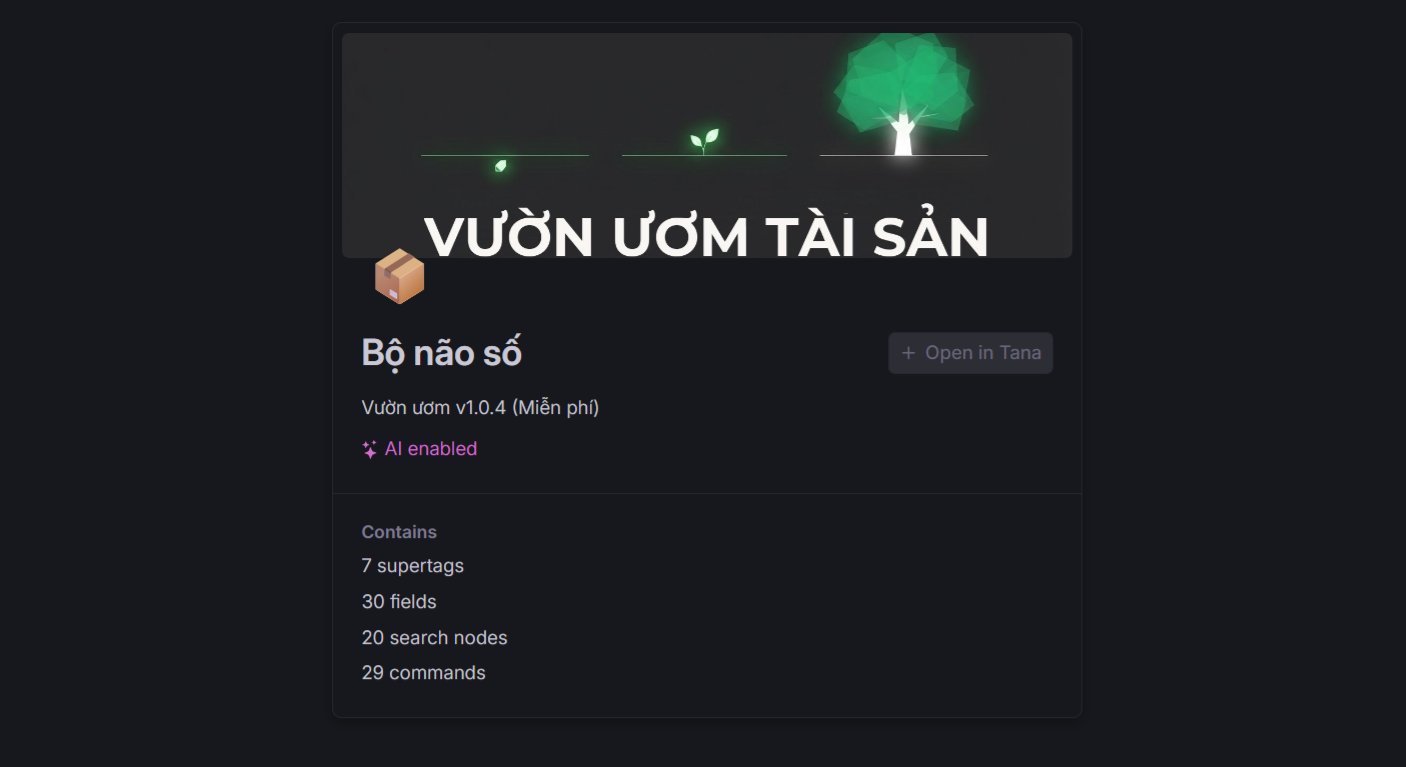
2
Select your target workspace
Choose your Personal Workspace matching the Tana account created in Step 1.
3
Confirm installation
Click Install template. The complete structure of Capture, Package, and Share stations, along with core tags like
#source, #seed, and built-in AI helpers, will populate inside your workspace.Next Steps
Now that the template is installed inside your workspace, dive into your first quick win:60-Second Quickstart
Test your first workflow by turning a raw voice memo on your phone into a sharp outline on your desktop.
Workflow Overview
Explore how the 3 stations work together to move your ideas into published solutions.